Last updated: Mar 2026
Workflows
AI signals
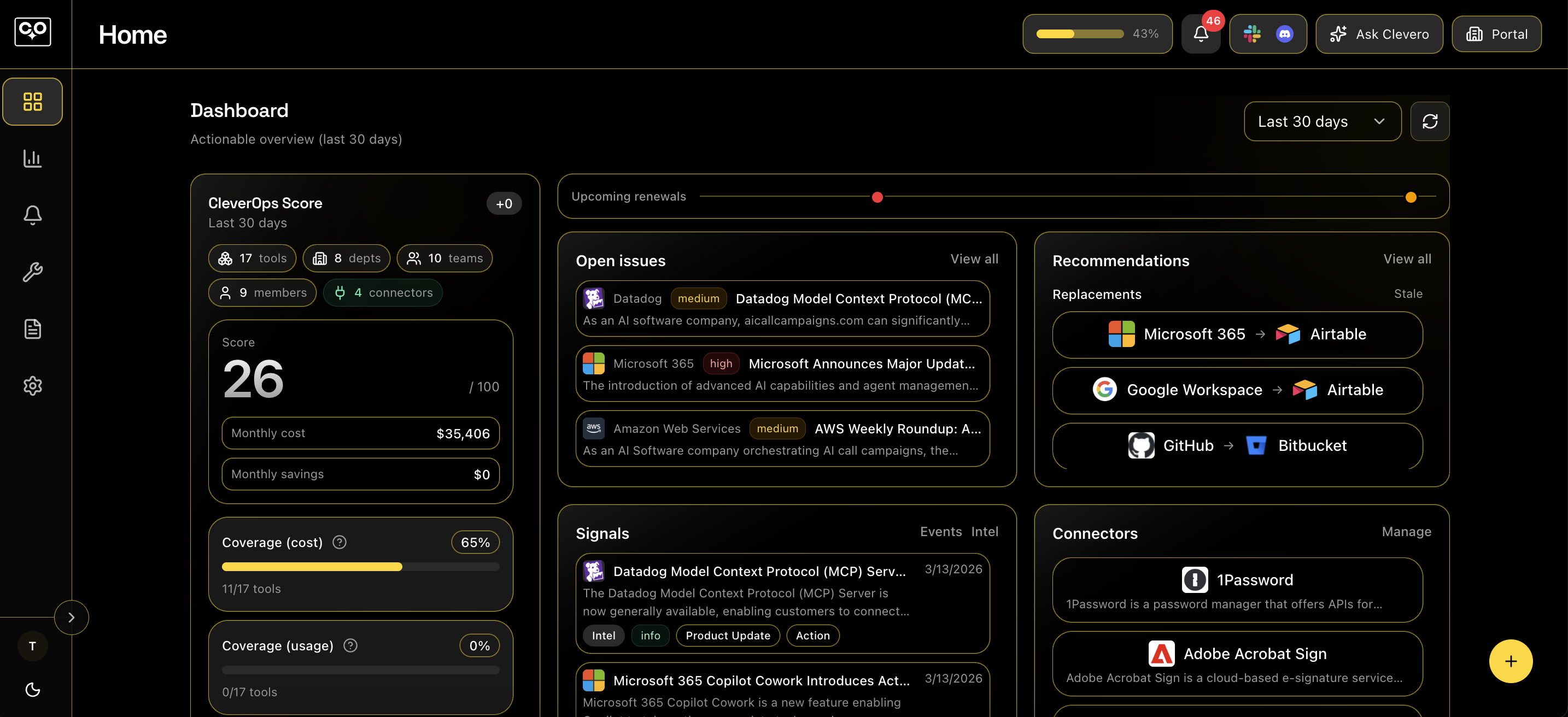
Signals are the streams CleverOps uses to surface what needs attention in your workspace: Issues, Events, and Intelligence (plus an Improvement workspace for recommendations).
Where to find Signals
- In the app, use the left navigation to open Events, Intelligence, Issues, and Improvement.
- The dashboard can surface recent signals and quick links into the full feeds.
How signal state works
- Signals support per-user states like Unread, Read, and Dismissed to help you triage.
- Some items may show as Converted when they’ve been turned into an Issue.
- State is meant for triage and focus: Events are intentionally the noteworthy feed, not a raw activity log.
Events
- Use Events for noteworthy items that matter (errors, changes, critical updates).
- Filter by status (Unread / Read / Dismissed / Converted), severity, category, and tool.
- Open an event to see details, then Mark read or Dismiss 30d.
Intelligence
- Intelligence maps vendor/security/product updates to the tools you have installed, with an “actionability” layer.
- Filter by status, severity, tool, and whether an item requires action.
- Triage actions mirror Events: open an item, then Mark read or Dismiss 30d.
Issues
- Issues are the trackable work items that come out of signals (or manual creation).
- Status tabs include Open, In progress, Resolved, and Ignored.
- You can filter issues by tool, category, severity, and search.
- Create an issue from the Issues page (title, optional tool, severity, category, deadline, and description).
Improvement
- Improvement is a workspace for recommendations (for example: replacement suggestions and new tools).
- Supports review workflows (suggested, reviewing, approved, rejected), with notes and approval actions (where enabled).