Last updated: Mar 2026
Workflows
AI Clevero
Ask Clevero is an in-app AI panel that answers questions about your CleverOps workspace.
What it does
- Answers questions about your workspace (tools, portal, analytics, issues, events, and documents) from inside the app.
- External clients can also call AI-backed tools through MCP keys managed in Settings. SeeAI Agents / MCP.
- Quality controls and limits apply (you’ll see errors in the UI if you hit them).
Ask Clevero (in-app Q&A)
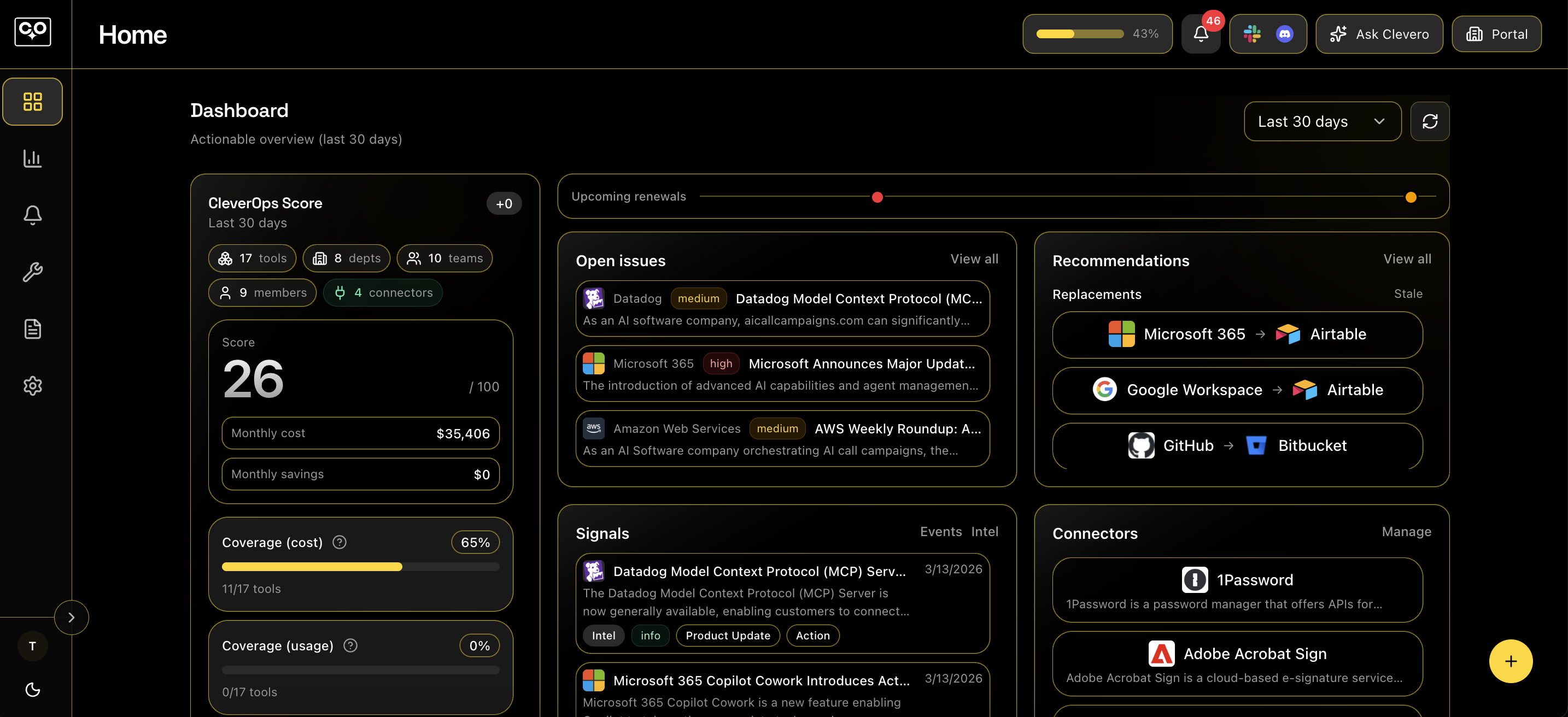
- Open it from the main app header: click the Ask Clevero button (sparkles icon).
- You’ll see a side panel with suggested questions and a chat input. Answers render as formatted text, and can also include tables and charts.
- If chat integrations are available, the panel can show a shortcut to configure Slack/Discord.
- A small usage indicator may appear in the panel (daily usage vs cap), depending on your plan.
- If you don’t have access, you’ll see a “You don’t have access to Ask Clevero.” message.